Cafa AI gives you chat, documents, image, video, voice, and writing tools in one place. Start by choosing what you want to make, explain the result you need, and add any file or image that Cafa AI should use.
Your first result is a starting point. Check it, tell Cafa AI what to keep or change, and continue until the answer or media fits your needs. This guide walks you through that process.
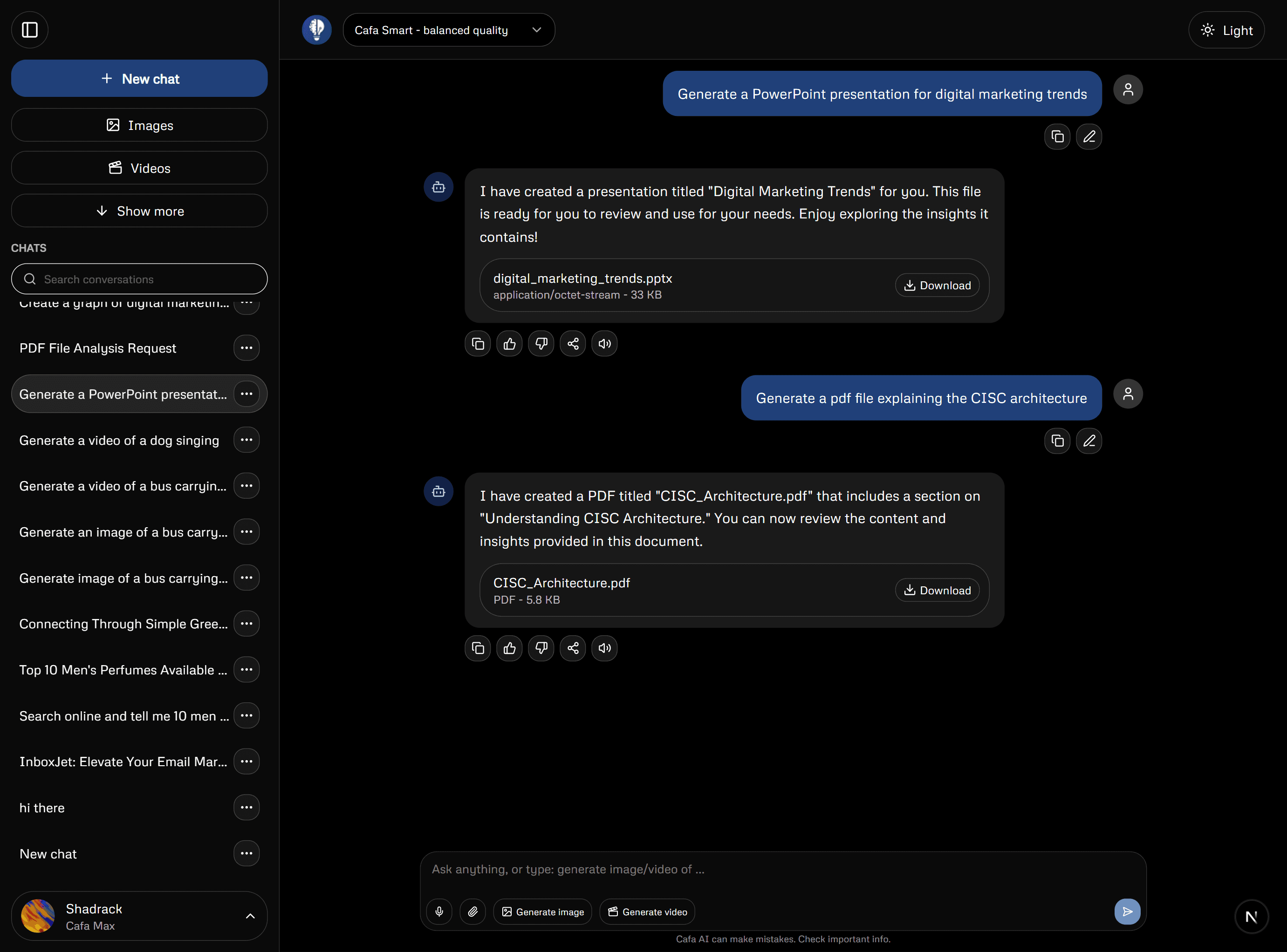
1. Choose the right tool
Start with Chat for questions, explanations, brainstorming, writing, or discussing a file. When you already know the kind of result you want, open its dedicated tool: Images to create a picture, Edit Image to change one, Image to Video to animate a still image, Documents to build a formatted file, Writing Tools to detect or rewrite text, or Voice to turn text into speech.
- Chat: ask questions, plan, write, and discuss uploaded files.
- Documents: create structured work you can download.
- Images and Edit Image: make a new visual or change a picture you provide.
- Video tools: generate a clip or add motion to an image.
- Voice: turn a prepared script into audio.
2. Give the tool enough context
A short prompt can be appropriate for a simple request, but ambiguous input forces the system to guess. State the intended audience, purpose, constraints, source material, and desired format. When using files or images, explain what role each attachment should play rather than assuming the attachment is self-explanatory.
3. Review the first output
Treat generated material as a draft. Check factual statements against reliable sources, confirm that file-based answers match the source, and inspect media for visual defects or unwanted details. A fluent answer can still be incomplete or incorrect. For consequential work, review should be performed by someone with relevant subject knowledge.
- Does it answer the actual request?
- Are names, figures, quotations, and dates supported?
- Did it silently add assumptions?
- Is the tone suitable for the audience?
- Would any private or misleading detail create a problem if shared?
4. Refine with targeted feedback
Iteration works best when feedback identifies the gap. Instead of asking to ‘make it better,’ say what to preserve and what to change. In a conversation, refer to the previous result precisely. For media, adjust one or two variables at a time—such as composition and lighting—so you can tell which instruction changed the result.
5. Save or download your work
Your chats stay in conversation history, while generated images, videos, and documents can appear in the relevant repository. Use the download button when you want a copy on your device. Available formats and storage depend on the tool and your account.
- Return to earlier conversations from your chat history.
- Find saved images, videos, and artifacts in the repository.
- Open downloaded files once to make sure they look and play as expected.
Free and paid access
The tools and number of generations available to you can vary by plan. Visit Plans for current pricing and compare it with the limits shown in your account. Do not assume that every feature is unlimited.
A dependable working method
Break complex projects into stages. Ask for an outline before a long draft, a visual concept before multiple variants, or a document structure before export. Keep the original sources nearby, record decisions that matter, and make the final editorial judgment yourself. AI is most useful when it accelerates a controlled process rather than replacing one.
- Define success before generating.
- Supply only relevant and appropriate context.
- Review every important claim.
- Revise with specific feedback.
- Export and inspect the final deliverable.