Cafa AI video works best when you describe one short, clear shot. Say what is in the scene, what moves, and what the camera does. Trying to fit several scenes and many actions into one prompt usually makes the result less stable.
You can generate a clip from a prompt or open Image to Video to bring a still picture to life. This guide shows how to prepare both kinds of request.
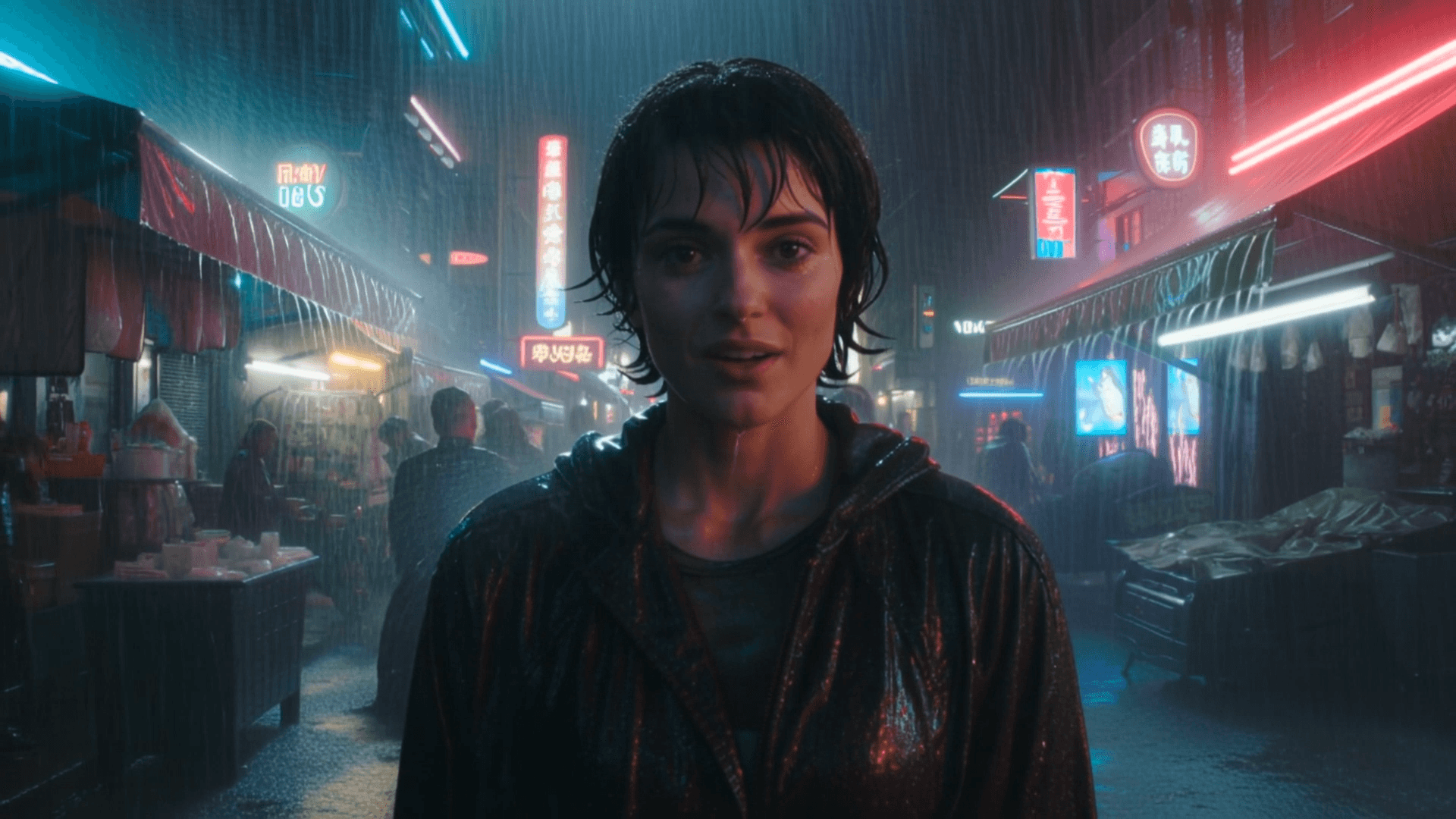
Think in shots, not whole films
Define one shot with one primary action. Name the setting, subject, motion, camera behavior, light, and mood. For a sequence, plan separate shots and maintain a small continuity sheet for clothing, colors, props, and direction of movement.
Describe motion with a clear subject
Say what moves and how: walks steadily, fabric lifts in a light breeze, camera pans right, or focus shifts from foreground to background. Avoid piling on movements that compete. Words such as slowly, gently, or handheld can suggest pacing, but the output still needs inspection.
Use camera direction purposefully
- Static camera keeps attention on subject motion.
- Pan and tilt rotate the view horizontally or vertically.
- Dolly or push-in changes camera position and depth.
- Tracking follows a moving subject.
- Close-up, medium, and wide shot describe framing.
- Use one dominant camera move per short shot for clarity.
Prepare a strong image-to-video source
Choose a clear image with enough space for the intended motion and no important element cut awkwardly by the frame. Describe what should animate and what should remain stable. Source-image defects may become more visible in motion, so correct them first when possible.
Plan for consistency
Generative video can change faces, objects, textures, or background details from frame to frame. Simplify crowded scenes, avoid unnecessary interactions, and inspect the complete clip rather than judging a thumbnail. For several shots, reuse a concise character and environment description, understanding that exact continuity is not guaranteed.
Common failure modes
- Warped hands, faces, objects, or lettering.
- Motion that starts correctly and then changes direction.
- Unwanted camera movement or sudden scene changes.
- Subjects merging with props or backgrounds.
- Flicker and inconsistent light or texture.
- A source image being altered more than expected.
Iterate from the biggest problem
If the subject is wrong, fix the subject before tuning atmosphere. If the scene is right but chaotic, simplify motion and camera direction. Save promising outputs before changing the prompt, because a later generation may interpret the same words differently.
Use synthetic video responsibly
Do not use generated video to deceive viewers about a real event or person. Consider consent when using a person’s likeness, voice, or source image. Review for stereotypes, unsafe implications, logos, and accidental misinformation, and add context or disclosure where the audience could otherwise be misled.