Chat and files
Ask questions, develop ideas, and discuss the files you upload.
Cafa AI
Ask questions, work with your files, write documents, generate or edit images, make videos, and turn text into speech from one account.
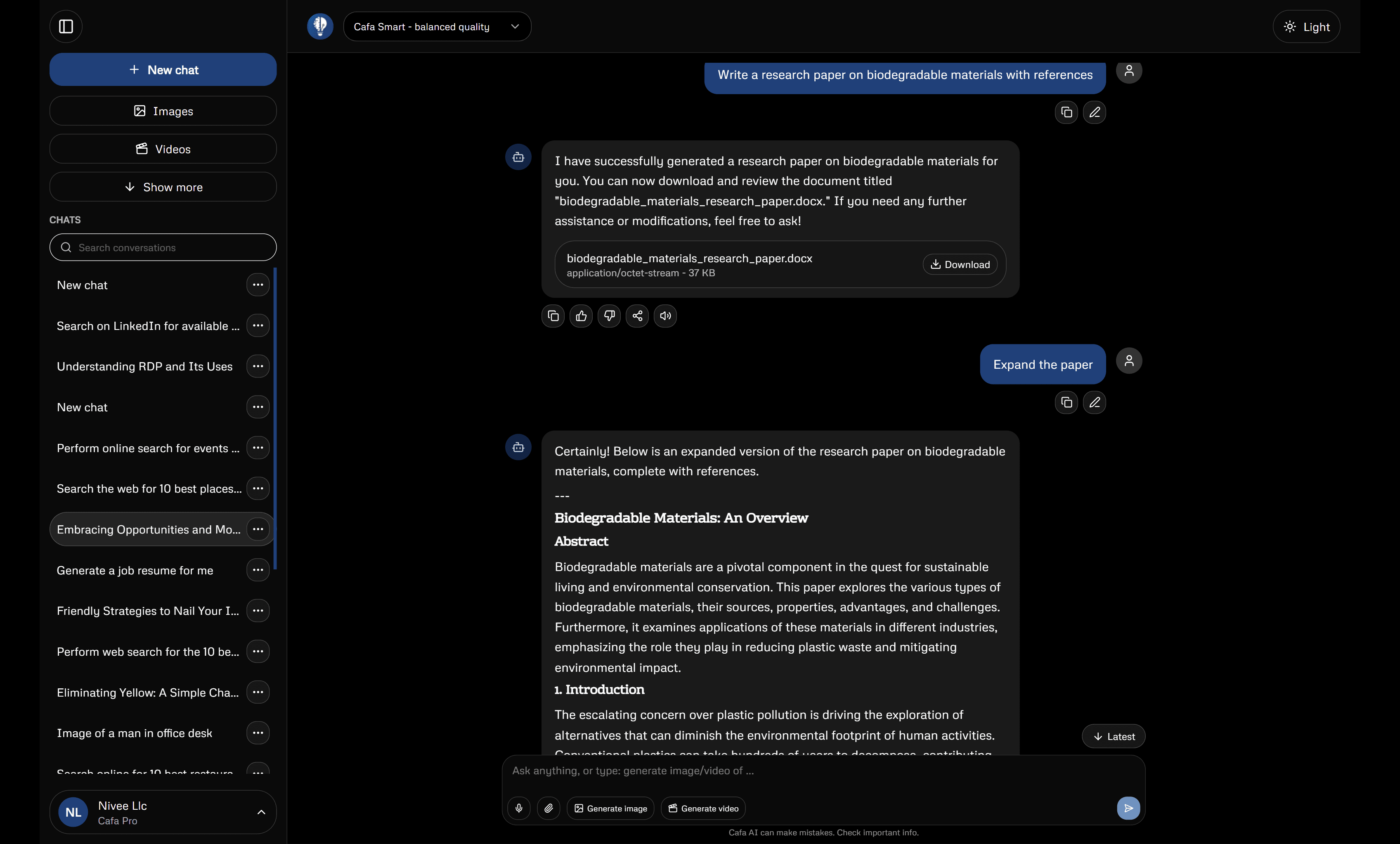
What you can make
Cafa AI has focused workspaces for different outputs. You can move from an idea in Chat to a document, image, video, or audio file while keeping your saved work in your account.
Ask questions, develop ideas, and discuss the files you upload.
Turn notes and source material into structured work you can review and download.
Create an image from a description or edit a picture you already have.
Generate a short clip, animate an image, or create a talking-avatar video.
Choose a voice, preview it, and turn a prepared script into downloadable audio.
Tell Cafa AI what you need, who it is for, and what the result must include. Add only the files or images that matter. Then check the first result and ask for specific changes.
Read the prompting guideAI can produce wrong facts, awkward media, or unexpected changes. Check names, figures, sources, permissions, and every image, video, or audio file before you use it. Important legal, medical, financial, and safety decisions need a qualified professional.
Use Cafa AI responsiblyOur public guides explain how Cafa AI tools work, what to check, and where generated results commonly need attention. Every guide is available without an account.